Last verified 30 October 2026.
Can you launch an MVNO with Spenza in seven days? Spenza says yes for a defined scope: its TelecomHub page states “Go live in under 7 days” and adds “We handle integrations and billing setup. Your team needs basic REST API knowledge.” That is a published target, not a promise that every business finishes in a week. Network access, commercial approval, device support and testing decide your real date.
This guide explains what the seven-day claim covers, what Spenza handles and what you bring, a day-by-day plan with an exit artifact for each day, how a Shopify storefront fits in, and how to prove a customer can go from checkout to a working line before you open sales. If you are still choosing a model, start with what an MVNO is, then return with a defined offer.
What Spenza says about launching in 7 days
Spenza makes the seven-day statement on several of its product pages. Read it as written. The wording is narrow, and it is worth knowing exactly what each page does and does not say.
| Where it appears | What it says | What it does not say |
|---|---|---|
| TelecomHub page | “Go live in under 7 days.” A “<7 Days” stat is labeled Time-to-Launch. The same answer says Spenza handles integrations and billing setup and that your team needs basic REST API knowledge. | When the clock starts, what counts as live, or which scope the figure assumes. |
| TelecomHub, MSP integration | “Most MSPs integrate in 2-3 engineering hours.” | That every customer, network or country integrates that quickly. |
| Butlr case study | Regional launch time reduced “from 60 days to 7 days.” | How many launches were measured or how the 60-day baseline was set. It is one customer’s result, not a benchmark. |
| ControlHub and UXHub pages | The same “<7 Days” Time-to-Launch stat. | A definition of launch scope. |
So the honest summary is this: seven days is Spenza’s stated launch target for a scoped deployment, backed by one customer case. It is not a guarantee, and no page defines the starting line. When someone quotes you a launch date, ask three questions. What is in scope? When does day one begin? What evidence marks day seven as done?
Start condition. Do not start a seven-day count while network access, product approval or an essential integration is unresolved. Log each open item with an owner and the evidence needed to close it.
Longer launches are normal. If you need a market-specific view, the US launch guide covers the compliance and carrier steps that sit outside any platform timeline, and the guide to how MVNEs speed up a launch explains which parts of the work a platform can shorten.
What Spenza handles and what you provide
An MVNO sells mobile service under its own brand without owning the radio network. An MVNE-style platform supplies the technology and operations behind that brand. Spenza describes three hubs on one data model, one API and one invoice: UXHub for the branded customer experience, ControlHub for plans, pricing and reseller billing, and TelecomHub for carrier connectivity and SIM and eSIM management. The split below follows those pages.
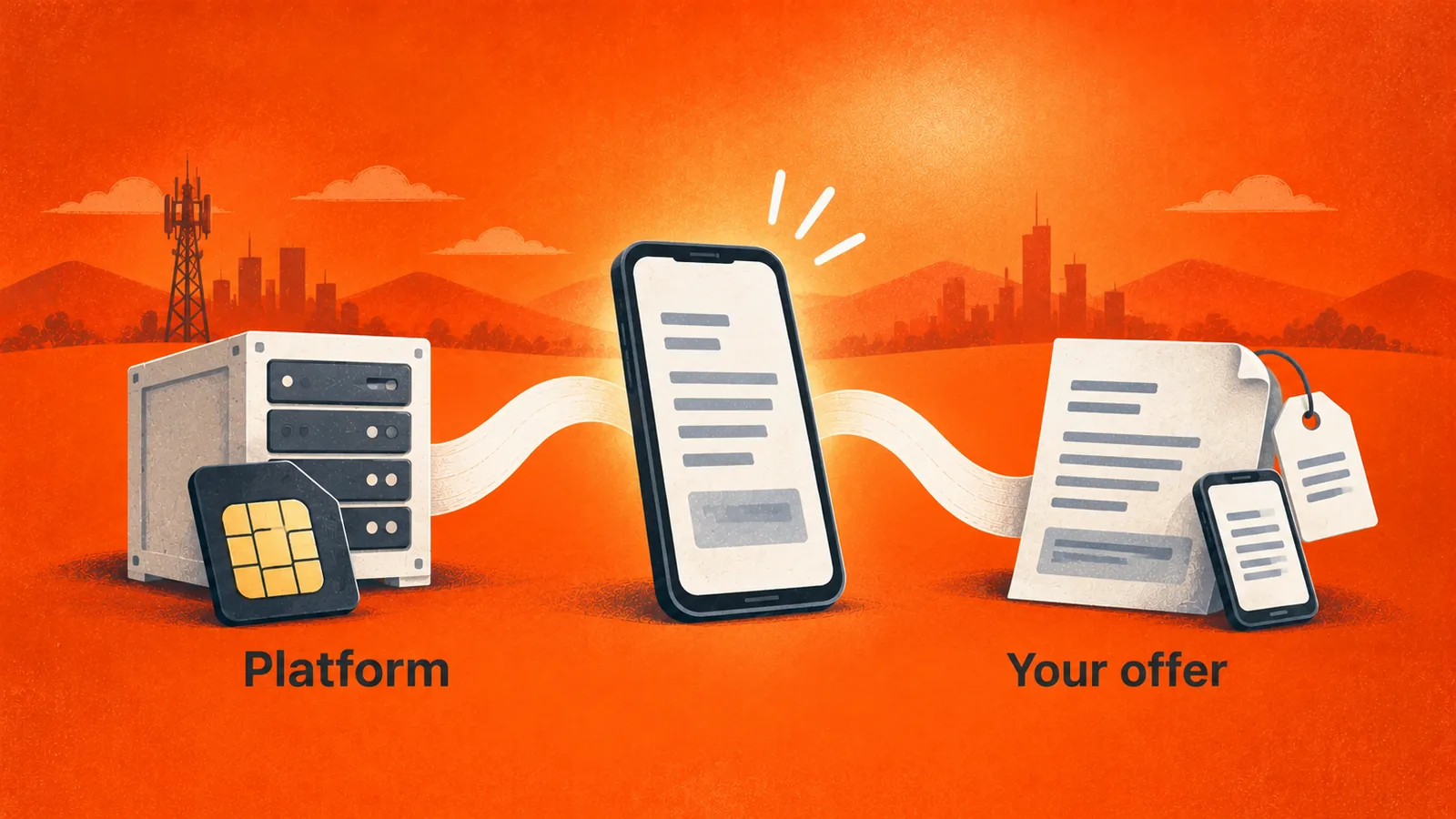
| Area | Spenza describes | You still provide |
|---|---|---|
| Carrier connectivity | Access to 180+ carriers through one API, use of Spenza’s network or your own, local-operator eSIMs. | The markets and coverage you promise, and any network agreement of your own. |
| Plans and pricing | A plan builder for prepaid, postpaid or pay-as-you-go plans without writing code, with reseller and parent-child billing. | The offer, retail prices, terms and margin targets. |
| Customer experience | A branded self-service experience for plan purchase, activation, usage, billing, upgrades and support. | Brand assets, approved copy and the support model. |
| Billing | Prepaid, postpaid or hybrid billing with automated invoicing, and Stripe and tax integrations shown on the page. | Finance owners, refund rules and who explains a charge. |
| Integration | “We handle integrations and billing setup.” | Engineers with basic REST API knowledge and a named technical owner. |
The right-hand column is the one that decides your date. A platform can be ready on day one and the launch still slip because the offer was never settled.
What must be ready before day one
A short implementation window needs usable inputs on the first morning. Write down the first release in plain terms: who can buy, where service is available, which devices are supported, what each plan includes and how customers get help. A constrained release is easier to test than an open promise of service everywhere.
- Offer. Plans, allowances, validity, retail prices and renewal terms, approved by whoever signs them off.
- Network and markets. Which countries and which networks, whether you use Spenza’s supplier offers or your own agreement, and what voice, text and data you need.
- Devices and SIM type. Physical SIM, eSIM or both, and the exact phone models you will support.
- Brand. Logo, colors, approved copy and the domain or store the customer will see.
- Store access. If you sell on Shopify, admin access and a test store or environment.
- Owners. One named person each for product, finance, support, engineering and the go or no-go decision.
Obligations that apply to your service, such as licensing, customer identification, number porting or emergency calling, depend on the market and the offer. Platform setup does not settle them. Get specialist advice for the markets you target, and keep the result in the launch record. The MVNO launch cost guide and the MVNO calculator help you put numbers on these inputs, with the calculator’s own caveat that its pricing is indicative.
A seven-day launch plan, day by day
The plan below is a working sequence, not a record of any customer’s week. Each day ends with an artifact the next day uses, and day seven ends with a decision rather than an assumption. Parallel work does not remove dependencies, so extend it whenever an essential test or approval is still open.
| Day | Work | Exit artifact |
|---|---|---|
| 1 | Confirm scope, owners and brand configuration | Approved release brief and dependency register |
| 2 | Configure eligible plans and the retail catalog | Reviewed plan and price records |
| 3 | Connect the store and customer journey | Account mapping and a storefront review on mobile and desktop |
| 4 | Configure payment and subscription handoffs | Agreed order-to-service test cases |
| 5 | Run activation, billing and recovery tests | Results, defects and retest decisions |
| 6 | Prepare support and launch communications | Escalation runbook and release review |
| 7 | Make the go or no-go decision for the agreed release | Signed acceptance, or a documented revised plan |
A go or no-go review can correctly end in a later date. That is a better outcome than opening sales on an untested path. Integrations that already exist reduce configuration, but they do not prove every dependency is done. A new operator integration, an unusual account hierarchy, unusual billing rules, physical SIM logistics or a new market each add work, so ask the delivery team what is included, scheduled separately or excluded.
Keep scope visible. Adding a device class, a country or a sales channel after testing begins usually means more checks and a new acceptance. Decide the first release early and defer the rest.
Selling plans on a Shopify storefront
Spenza’s UXHub page says merchants can “offer mobile plans, eSIMs, and devices through Shopify” while Spenza handles activation, subscriptions and billing, and that Spenza “automatically creates subscriptions, provisions eSIMs, and tracks device assignments after checkout.” That makes Shopify a practical storefront for brands that already sell products online and want to add connectivity, for example a device maker bundling a plan.
Shopify handles the storefront, checkout and payment. Spenza handles the mobile service behind it. A Shopify product does not create network access by itself, so every plan you list must map to a real supplier offer. Spenza’s guide to reselling data plans on Shopify covers the order, fulfillment and exception handling in depth. The sequence below is the shape of an integration, based on Spenza’s earlier published walkthrough.
- Connect the Spenza business account to the Shopify store, and record which store and account are linked so test and live environments cannot be confused.
- Install the Spenza app from the Shopify admin and sign in to the business account.
- Choose plans from the Spenza marketplace and add them to the Shopify catalog.
- Organize the imported products into collections and make them available to the online store channel.
- Review each product page for description, eligibility, price and renewal terms, on mobile and desktop.
- Place a test order, then follow it into the Phone Lines and Subscriptions views in Spenza.
Confirm before you rely on it. Menu labels, the install route and the plans on offer can change. Treat the walkthrough as a reference sequence and confirm the current steps, permissions and supported plans with Spenza for your store.
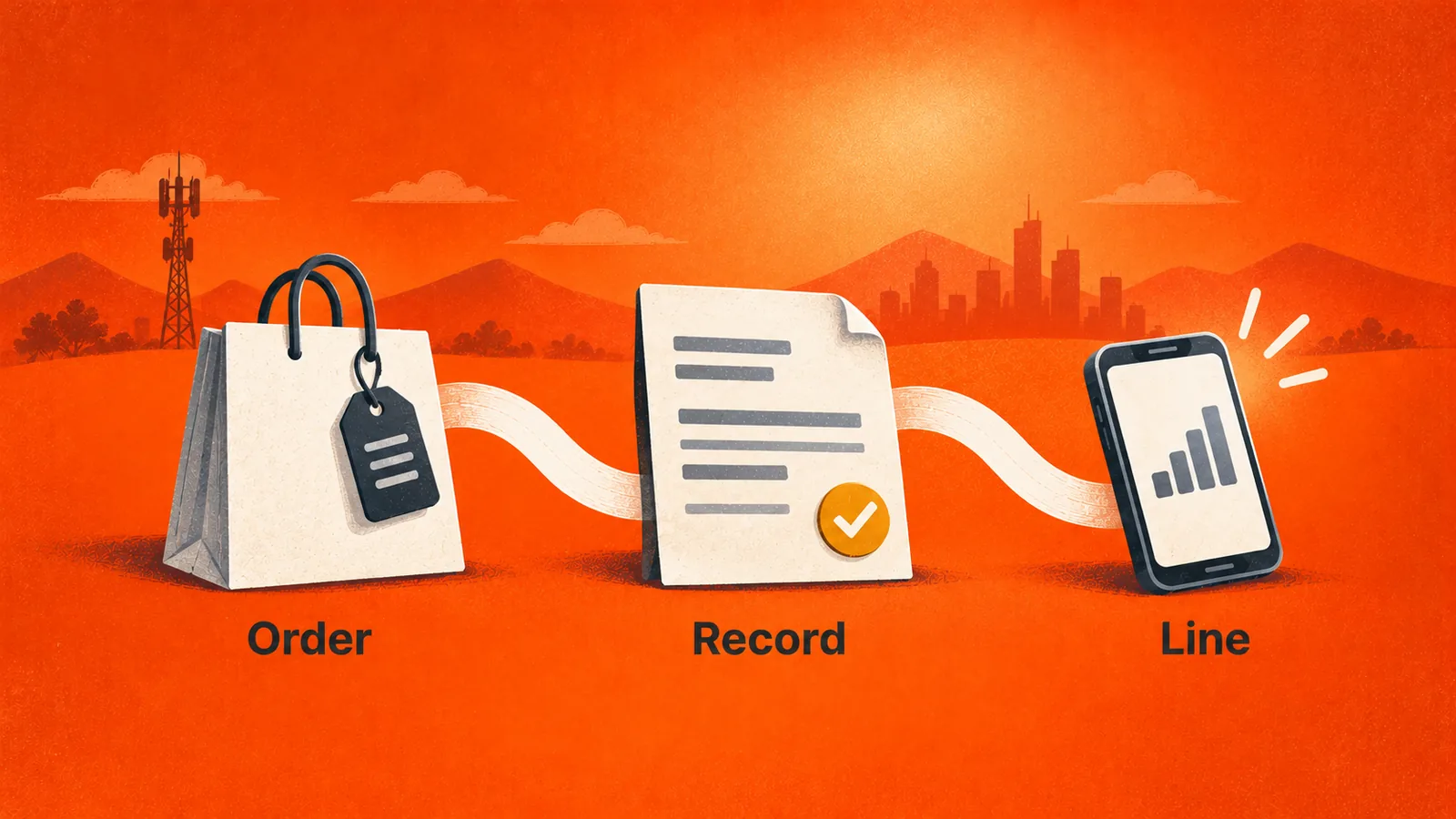
Go-live acceptance: from checkout to a working line
A confirmation screen proves that a customer paid. It does not prove that they can make a call or use data. Before you open sales, show that each purchase reaches the correct subscription record and that the service works on a supported device. Record evidence at three boundaries.
| Boundary | Evidence to keep | Failure to look for |
|---|---|---|
| Purchase | Order, payment outcome, product and customer identifiers | A failed payment that still triggers a service action |
| Subscription | Account, plan, status and effective time | A missing, duplicated or mismatched subscription |
| Device service | Agreed activation plus voice, text or data checks | A record shown as active while the service fails |
Use Shopify’s test order procedure to check the storefront and payment setup, which Shopify says does not charge you. Agree separately how test orders reach the Spenza environment and whether any network activity or charge can occur, because store testing and carrier testing may have different controls.
Test duplicate and interrupted events too. Shopify notes that an app can receive the same webhook more than once and recommends making processing idempotent or storing each webhook ID so a repeat delivery is skipped. Ask the implementation team how the integration spots repeated work, and make sure a timeout never produces a second subscription for one order.
For eSIM offers, separate three events: the profile is delivered, the profile is installed, and the network service works. Apple’s eSIM setup guidance says the method depends on the carrier’s eSIM support, so test the phone models you will actually accept. A successful install on one team member’s phone does not cover your whole device list.
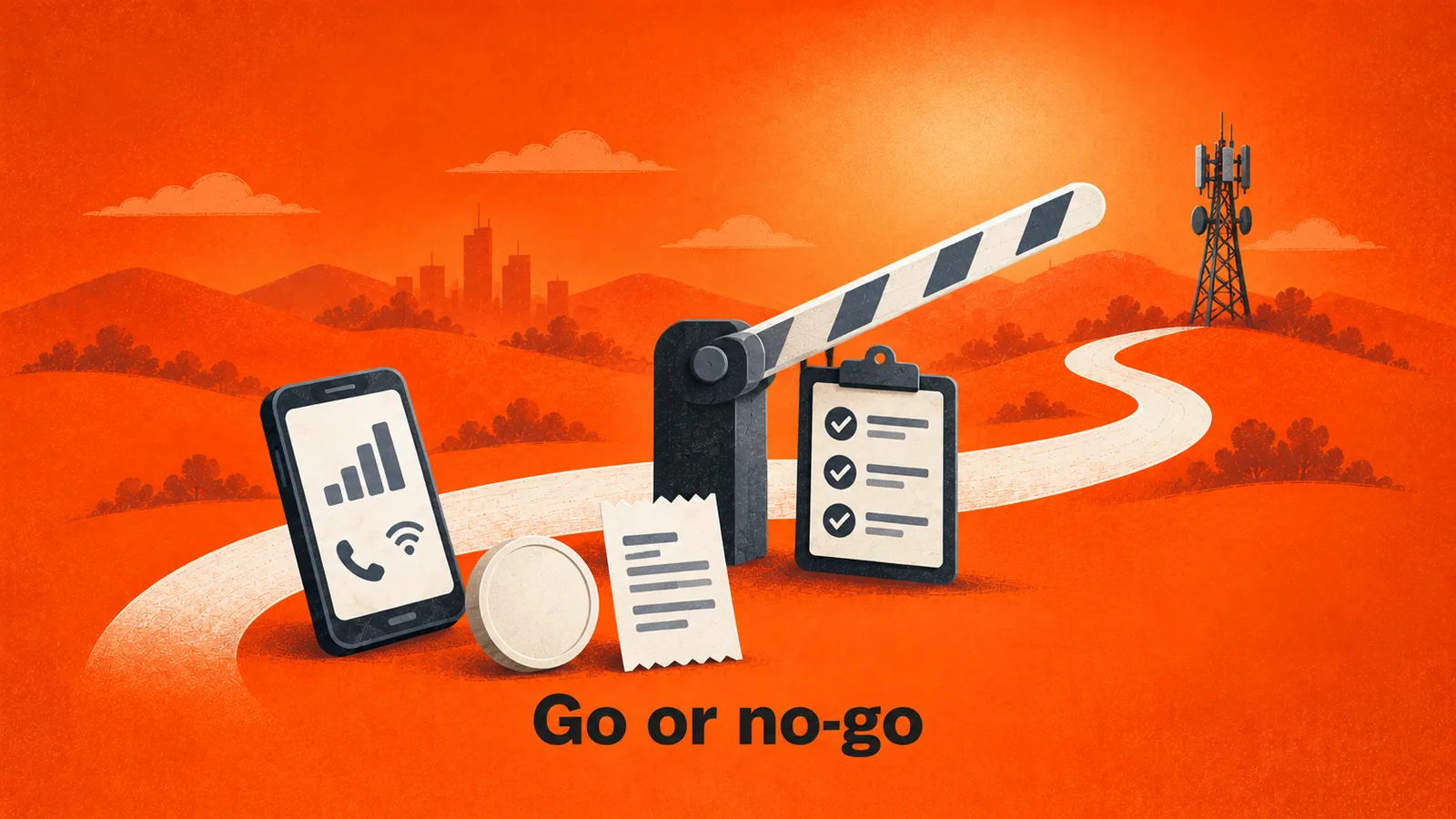
Include a cancellation, a failed payment, a plan change and a support escalation. Finance should be able to explain every resulting charge, and support should see enough history to name the next responsible team. The MVNO billing platform guide sets out the rating, invoicing and payment boundaries to test. Finally, name the person who can pause new activations, the team that investigates failures and the owner of customer messages, before the first customer buys.
MVNO in a box, and how it differs from a custom build
“MVNO in a box” describes a packaged platform: subscriber and SIM management, billing, a customer portal and APIs delivered together, so a brand configures a service instead of building one. It suits digital-first businesses such as device makers, software platforms and retailers that want to add branded connectivity without a telecom team. The white label MVNO guide compares what the brand controls under this model.
The phrase has no standard scope. One provider may include a customer app and billing and leave network access to you, while another bundles the lot. Published comparisons of launch time and cost between a box and a traditional build vary widely, and none is reliable enough to plan from. Ask each provider for a written list of what is included, what you operate, and what the quote assumes. Then compare launch time against your own scope, not against a general figure.
What can stretch the timeline
- A new operator integration. A network not already connected adds technical setup and validation.
- Custom account structures. Parent-child billing, multiple reseller tiers or unusual invoice rules need extra configuration and testing.
- Physical SIM logistics. Manufacturing, shipping and inventory sit outside a software schedule.
- A new market. Local rules, device support and coverage have to be checked for each country.
- Late scope changes. A new device class or channel after day four resets testing.
- Approvals. Legal, finance and network sign-off often take longer than configuration.
Many of these appear on lists of common MVNO launch mistakes, and most are avoidable by fixing the first release early.
What Spenza’s published cases show
Spenza’s Butlr case study reports a reduction in regional launch time from 60 days to 7 days, which is where the seven-day figure on the product pages gets its customer evidence. It concerns launching connectivity in new regions for one customer, and it does not say how the 60-day baseline was measured. It supports the idea that a fast launch is possible, not that yours will take seven days.
The RocketPhone case study shows what an implementation can include beyond a storefront. Spenza describes supplying carrier integration, eSIM provisioning, rating, billing, subscriber management and multi-tier reseller control, plus SIP routing for enterprise voice workflows. The case gives no go-live dates and no quantified results, so it informs scope questions rather than a schedule. Both cases are written by Spenza.
Use them to ask sharper questions. Which communication path must work for your product? Which account tiers need administration? What do finance and support need to see? Turn each answer into a test.
Conclusion
You can plan an MVNO launch with Spenza around a seven-day sequence, and Spenza’s own pages state a go-live target of under seven days. Treat that as a target for a defined scope, not a guarantee. The work that sets your date sits mostly on the brand side: a settled offer, network and device scope, approvals and tested order-to-service paths. Fix those first, run the seven-day plan against them, and let the day-seven review decide whether to launch or to revise the date. Bring the written scope, the dependency list and your acceptance tests to a conversation with Spenza so the timeline is confirmed for your launch rather than assumed.
FAQs about launching an MVNO with Spenza
Can every MVNO launch with Spenza in seven days?
No. Spenza’s TelecomHub page says “Go live in under 7 days” and shows a “<7 Days" time-to-launch figure, but the page does not define when the clock starts or what counts as live. Your scope, network agreement, device list, approvals and testing set your own date. Treat seven days as the published target for a defined scope, and ask Spenza to confirm it for yours in writing.
What does MVNO in a box mean?
It means a packaged platform that bundles the systems an MVNO needs, such as subscriber and SIM management, billing, a customer portal and APIs, so a brand does not build them. It does not by itself include a host-network agreement, a tested offer or support staff. Check what each provider includes, because the phrase has no standard definition.
Can I sell mobile plans on Shopify with Spenza?
Spenza’s UXHub page says merchants can offer mobile plans, eSIMs and devices through Shopify, and that Spenza creates subscriptions and provisions eSIMs after checkout. Confirm the current install route, supported plans and your store’s theme and payment setup with Spenza, then prove the full order-to-service path in a test before opening sales.
What should be ready before the seven days begin?
A defined first offer, the markets and devices you will support, the network arrangement, approved retail prices and terms, brand assets, store access if you sell on Shopify, and named owners for product, finance, support and release. Record anything missing as an open dependency with an owner rather than starting the clock without it.
Does Spenza provide the network, or do I bring my own?
Spenza’s TelecomHub page describes access to 180+ carriers through one API and says you can use its network or bring your own. Which networks you can use for a given plan, country and device depends on the supplier offer and your agreement, so confirm that scope before you promise coverage to customers.
Does a Shopify payment mean the customer’s line is active?
No. A payment confirms a commerce event. Trace the order to the correct subscription record, then confirm the service works on a supported device. Test failed payments, repeated notifications and interrupted delivery so a retry never creates a second subscription or leaves a customer paid but not connected.
How much does it cost to launch an MVNO with Spenza?
Spenza does not publish a fixed launch price. Its MVNO calculator describes pricing as indicative and subject to the official Spenza proposal, and its example plans are for illustration. Use the calculator to organize your assumptions, then request a written quote for your scope, including setup, per-line charges and support.
What happens after the first release?
Run a limited release first, watch the outcomes you defined, and fix defects before widening availability. Keep the release scope and test evidence so later changes, such as a new device class or market, can be checked against what you already proved. Launch is the start of operations, not the end of the project.