Last verified 5 November 2026.
Bring your own device (BYOD) lets employees use personal phones, tablets or laptops for approved work. The benefits are device choice, faster onboarding and, sometimes, lower hardware spending. The risks are exposed work data, employee privacy conflicts and a wider mix of devices to support. A sound BYOD policy settles who is eligible, which controls apply, what the company can see, who pays and how access ends before anyone enrolls.
This guide is for IT, HR, security, procurement and finance teams deciding where BYOD fits and what a pilot must prove. It covers the policy, the security controls, the risk owners, the cost comparison and the exit process. A personal phone, a company-paid mobile line and a managed work app are three different things. Buying connectivity does not write an employee privacy policy or secure an application, so start with the work people need to do and choose the device, service and controls to match.
When does BYOD fit better than a company device?
BYOD fits roles whose work can run safely on an eligible personal device, with clear employee choices and support limits. A company-owned device fits better when the role needs tighter control, specialized hardware or predictable replacement. The ownership model should follow the job, not a promised saving.
| Model | Device arrangement | Useful when | Decision still required |
|---|---|---|---|
| BYOD | Employee owns the device | Approved work can run inside a defined personal-device boundary | Supported models, privacy terms, funding and an alternative route |
| Corporate-owned, personally enabled (COPE) | Employer owns the device and permits personal use | The employer needs broader device control | Permitted personal use, visibility and return obligations |
| Choose your own device (CYOD) | User selects from an approved catalog | A limited choice reduces support variety | Who owns the device and who funds it |
| Company device restricted to work | Employer supplies and controls the work endpoint | The task needs dedicated equipment or narrow use | Support, replacement and allowed applications |
Source: editorial comparison of ownership and choice models. Actual control depends on enrollment, platform capability and the agreed policy.
Different roles can use different models, and many organizations run a mix. A field employee who needs specific hardware may receive a company device while a sales role uses approved apps on a personal phone. Give people a supported alternative when their device is unsuitable or they do not accept the proposed management scope.
Key takeaway. BYOD describes device ownership. Corporate liability describes responsibility for an agreement or bill. A personal phone can carry a company-funded work line without becoming a company-owned device. Our guide to connectivity as an employee benefit compares the funding models.
What are the benefits and risks of BYOD?
The benefits are real but conditional, and each one carries a matching cost. Treat them as hypotheses a pilot has to confirm rather than guaranteed outcomes.
- Device choice and familiarity. Employees already know their own phones, which can shorten training. The catch is a wider spread of models and operating system versions for IT to support.
- Faster onboarding. A new hire or contractor can start on a device they already own. The catch is that enrollment, app installation and access approval still have to happen, and they take time.
- Lower hardware spending. The company buys fewer handsets. The catch is that management software, support, reimbursement and exceptions may offset the saving, and employees may carry costs the company stops seeing.
- Newer hardware. Personal phones are often replaced on the owner’s schedule. The catch is that you do not control the refresh cycle, so a minimum software version rule matters.
The risks are the reason BYOD needs a policy rather than a permission. The UK National Cyber Security Centre (NCSC) lists the challenges as keeping personally owned devices and their owners within company policy, supporting a wide range of device types, protecting corporate data and infrastructure, protecting the owner’s privacy, and meeting legal and contractual obligations. It also notes that if the scheme makes work awkward, employees may find workarounds (“shadow IT”) that raise the risk. Lost or replaced phones, outdated software, copied work data and unexpected mobile charges complete the practical list. The risk matrix later in this guide assigns each one an owner.
Regulated work adds a further question. Rules such as GDPR, HIPAA or banking obligations can require strict separation of personal and work data, or may rule personal devices out for certain roles. Ask your compliance or legal owner which roles qualify before drafting the eligibility list, not after.
Which security controls protect work data on a personal device?
BYOD protection combines identity controls, supported device or app management, data separation and a clear mobile-service policy. These controls have different jobs: identity governs access, managed apps govern work data, and the mobile subscription supplies connectivity. A corporate eSIM does not automatically isolate applications, direct only work traffic or establish privacy compliance.
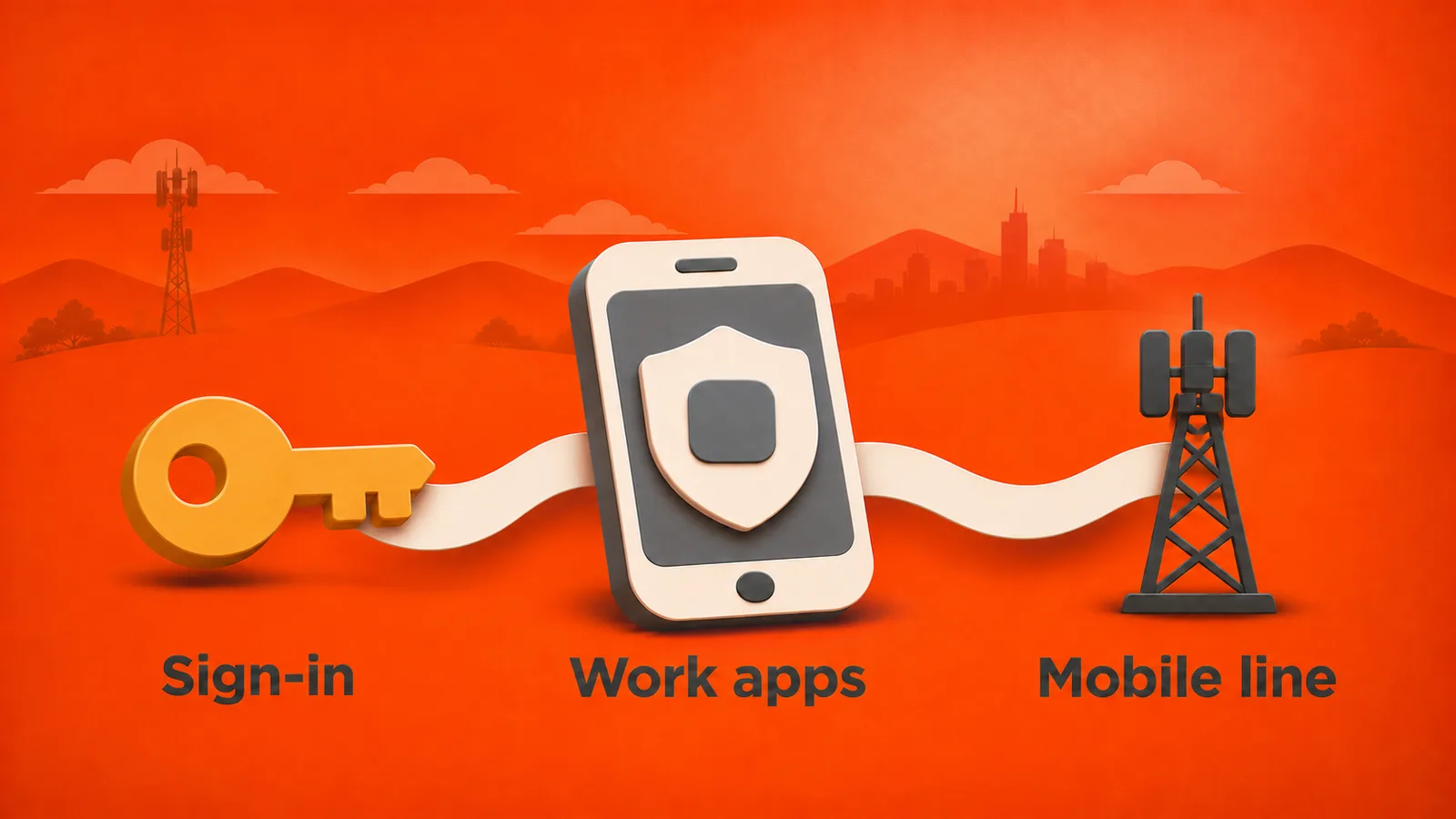
Identity and access
Require multi-factor authentication for every work resource and give each role only the access it needs. The NCSC guidance says the effectiveness of BYOD data protection depends on how thoroughly the device can be managed and on how well usability is balanced against security. Least privilege matters more on a device you do not own. The zero trust model in NIST SP 800-207 treats every device as untrusted until the request is checked, which suits personal hardware well. In practice that means access depends on the user, the app and the device’s compliance state, not on being inside a network.
Device management and app management
Mobile device management (MDM) applies the controls that the device’s enrollment mode allows. Mobile application management (MAM) protects supported apps and their work data. Microsoft’s Intune app protection overview says its app-level policies can protect corporate data without requiring device enrollment, and can run independently of any MDM solution, subject to supported apps and configuration.
Platform vendors document personal-device options with limited scope. Apple’s User Enrollment guidance describes enrollment aimed at personal devices, and Android’s work profile documentation describes a managed profile that holds work apps and data. Pick the supported method for each platform instead of treating every personal-device enrollment as equivalent, and confirm the specifics in the vendor documentation before you promise employees anything.
Data separation and sharing limits
Separate work data from personal content wherever the platform allows it, and test the restrictions on the actual work app: can a user copy a record into a personal note, save an attachment to personal storage or forward it to a personal account? Containerization or a work profile is the usual answer for privacy-sensitive roles. Do not describe any of this as airtight until the copy and export tests have passed.
Device health, updates and monitoring
Set a minimum supported operating system version and decide what happens when a device falls below it: warn, restrict or block. Monitor compliance state and audit sign-in logs for unusual activity, but only collect what the employee notice says you collect. NIST SP 800-124 Rev. 2 covers the security of mobile devices in the enterprise across their lifecycle, including personally owned deployments, so use it to test operation and retirement as well as initial setup.
Training and incident response
Train employees on phishing, public Wi-Fi and prompt loss reporting, and extend that training to contractors and partners who use personal devices. Write the incident route down: who an employee calls about a lost phone, who revokes sessions, who removes managed work data and who suspends the line. The service desk can coordinate while each system owner performs and records the action they are authorized to take.
Employee visibility
Show employees the actual visibility boundary during enrollment. Explain what administrators can read, configure, remove and record, including device attributes or service usage. Do not promise that IT sees nothing, and do not assume the company should see everything. Test the configured behavior and keep the explanation consistent with the deployed tools.
The business dual-SIM guide covers work and personal line selection. A second line can support separate service accounts, but it is not a work profile. For the SIM formats involved, see SIM card types and form factors.
Watch out. Suspending a work eSIM does not revoke an employee’s application session or remove a downloaded file. Access, data and subscription controls each need their own tested action.
What should a BYOD policy contain?
A BYOD policy should state who may enroll, which devices qualify, what controls apply, what the company can see, who pays for what, how problems are reported and how access ends. The NCSC guidance puts the policy and risk decisions ahead of implementation: determine objectives, user needs and risks, then develop the policy, then understand costs, then choose a deployment approach and technical controls. Avoid adopting a tool and writing the policy afterward to justify its default settings.
| Policy field | Decision to record | Approval owner |
|---|---|---|
| Scope and alternatives | Eligible roles, supported devices, approved work tasks and the company-device route | HR and IT |
| Access and management | Required controls, minimum software version, visibility and removal scope | Security, application and privacy owners |
| Acceptable use | Permitted apps, data handling rules, and what is prohibited on a device that holds work data | Security and legal |
| Privacy and ownership | What the company collects, what stays private, who owns work data and who owns the device | HR, privacy and legal |
| Funding and travel | Covered costs, approvals, roaming and exceptions | Finance and mobility operations |
| Support and incidents | Service hours, reporting route for lost devices, and repair boundaries | Service desk |
| Departure and replacement | Access, work data, number and subscription disposition | HR, IT and mobility operations |
Source: editable policy fields for internal approval, not a universally applicable employment or tax policy.
Publish the policy, have each employee acknowledge it, and keep the acknowledgment on record. Have legal review the privacy, monitoring and reimbursement language for each country you operate in, because the rules differ by jurisdiction. Mobile-service eligibility is a separate check: use the carrier-lock and compatibility guide to confirm a phone can take a given line, and the iPad mobile-plan guide for tablet users. Keep those configuration checks apart from whether the employee is authorized to reach company data.
Who owns each BYOD risk?
A BYOD risk assessment should connect each failure to a control, an accountable team and evidence that the control works. Avoid calling a device safe simply because it enrolled successfully. Review software support, access, data movement, lost-device response and privacy together, then document the remaining risk accepted for each permitted work scenario. The matrix below is a proposed operating record, not a certification checklist or a statement that every risk has been eliminated.
| Risk | Control to evaluate | Accountable owner | Acceptance evidence |
|---|---|---|---|
| Unsupported software | Minimum-version rule and access response | Endpoint IT | Test with a device outside the approved baseline |
| Account misuse | Multi-factor authentication and limited resource access | Identity and security team | Rejected access outside the assigned role |
| Work data copied elsewhere | App-sharing and export restrictions | Application owner | Copy and export test on the actual work app |
| Lost or replaced phone | Reporting, session revocation and recovery process | Service desk and security | Recorded lost-device exercise |
| Excessive employee visibility | Defined collection and management scope | HR, privacy and IT | Employee notice matches configured visibility |
| Unexpected mobile charge | Plan, roaming and approval rules | Mobility operations and finance | Charge tied to an approved service and owner |
Source: proposed BYOD risk-to-owner matrix informed by mobile lifecycle guidance; no measured incident rate or guaranteed outcome is asserted.
Name the escalation route for a failed control. An employee reporting a lost phone should not have to choose between HR, the carrier and an app administrator. Billing and audit evidence feed the same record, which is where telecom compliance audits and telecom expense management come in.
How should onboarding and policy approval work?
BYOD onboarding should prove that the employee, device, applications and service meet the approved policy before routine access begins. Start with a limited role group, explain the management boundary and test a useful work task. Record exceptions and recovery steps so the pilot demonstrates supportability rather than merely counting successful profile installations.
- Define the scope. Name eligible roles, approved work tasks, supported devices and the company-device alternative.
- Agree the policy. IT, HR, privacy, procurement and finance approve their respective responsibilities and the employee-facing terms.
- Check eligibility. Verify device support, software version, required apps and any carrier restrictions before ordering service.
- Enroll and configure. Apply the selected access and management method, then explain what the employee will see.
- Test the workflow. Confirm the intended work task, a denied action, a support request and an exit scenario.
- Review the pilot. Resolve recurring failures and approved exceptions before expanding to another role group.
Buyer checklist. Before accepting a pilot, demonstrate an allowed work task, a blocked action, the employee privacy view, a support handoff and the planned exit. Save the results against the tested configuration.
How do you compare BYOD costs fairly?
A fair comparison covers hardware, mobile service, management tools, administration, support and exceptions for the same employee cohort and period. Removing a company device purchase changes one cost category; it does not prove the whole program is cheaper. Use approved contract and operating inputs, then compare the service employees actually receive.
Finance should separate one-time deployment effort from recurring costs. Procurement supplies device, service and license terms; operations supplies provisioning and support work; HR supplies eligibility and exception rules. Record the currency, observation period, employee count and included costs so a later comparison uses the same denominator.
Do not treat employee-funded costs as if they disappeared. A lower employer bill may shift hardware, repair or administration work to staff, and the NCSC guidance explicitly lists additional costs and implications as a policy step. Ongoing service and invoice records are covered in our piece on business mobile cost and quality.
Spenza, an MVNE platform for enterprise mobile services, documents provisioning, subscriber management and billing in its published RocketPhone case study. That deployment shows the connectivity operating scope. It does not establish a BYOD savings percentage or certify a particular employer’s privacy controls, which remain the employer’s policy and tested lifecycle. For work lines delivered as eSIMs, see eSIM for enterprises.
What must BYOD offboarding remove and preserve?
BYOD offboarding must handle company access, managed work data and the work subscription as separate actions while respecting the employee’s personal device and content. Confirm each action’s completion and any pending state. Decide the work number’s disposition before canceling service, because identity removal, data removal and carrier termination do not trigger one another automatically.
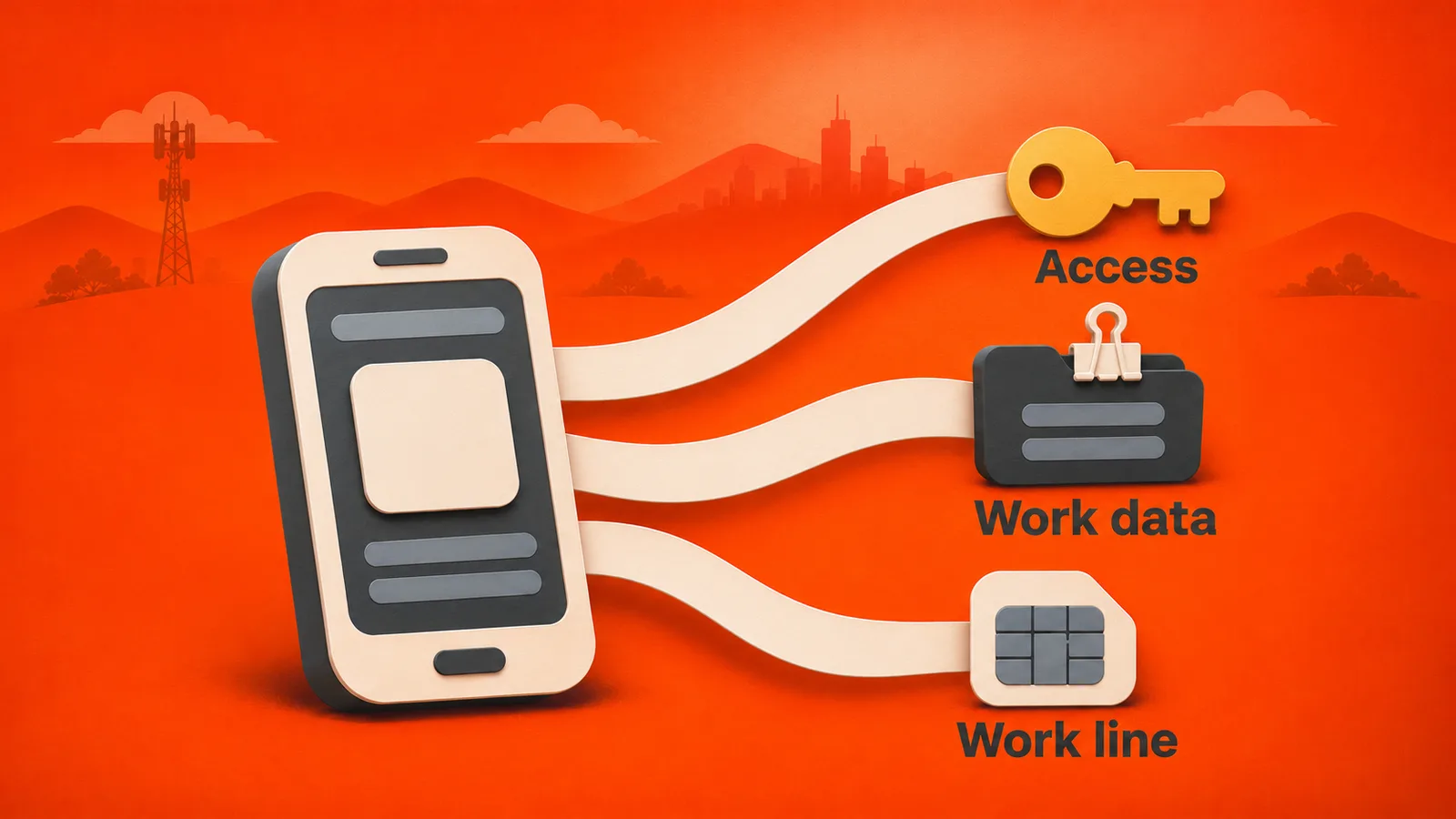
HR supplies the authorized departure event. Identity administrators revoke the relevant access and sessions. Application or endpoint owners remove managed work material within the approved scope and verify status. Mobility operations handles number transfer, suspension or termination as agreed, then checks final charges. A remote removal request may remain pending when a device cannot receive it.
Do not use a factory reset as the default response for a personal device. Test the chosen management method’s removal behavior in advance, including what remains accessible offline. Keep any unresolved data-removal action visible after account access has ended, with an owner and an escalation route.
Exit check. A completed HR ticket is not evidence that every downstream action finished. Close the record only after the responsible teams confirm access, work-data and service disposition, or document an accepted exception.
Conclusion
Choose BYOD where the work can be supported within a boundary employees understand and the organization can enforce. Keep a company-device option for roles or devices that do not fit. Start with a defined cohort, measure the full operating cost and test departure before expanding. The useful result is a repeatable employee service with clear owners, not an installation count or an assumed saving. Bring the pilot’s configuration, support results and unresolved exceptions to the next review so expansion follows evidence rather than a general preference for personal devices.
BYOD policy FAQs
Can employees decline to use their personal phone?
The employer should define a supported alternative and the process for requesting it. Do not assume every employee has a suitable device or accepts the proposed management scope. HR and the policy owners should settle participation terms before enrollment, including how people keep working when a personal device is unavailable.
Does a company-paid eSIM make a phone company-owned?
No. Funding a mobile subscription does not transfer ownership of the handset. Record device ownership, subscription responsibility, number control and support obligations separately. The company still needs an approved method for protecting work access and data on that device.
Can IT read personal messages under BYOD?
It depends on the enrollment method, platform and deployed tools. Do not make a universal promise based on the term BYOD alone. Explain what is collected and which actions are permitted, show the boundary during enrollment, and have the privacy owner confirm the notice matches the configuration.
Is app management enough without device enrollment?
App management can protect supported work applications without full device enrollment in some configurations. It is not automatically enough for every task or data type. Check supported apps, identity conditions, data-transfer restrictions and removal behavior, then decide whether the remaining risk fits the role or calls for a company-managed device.
Which security controls does a BYOD program need at minimum?
Multi-factor authentication, least-privilege access, a supported way to protect work apps and data, a minimum software version rule, a lost-device process and an exit process. Add data separation for sensitive roles. Test each control on the actual work apps rather than assuming it works.
What should a BYOD policy say about lost or stolen phones?
It should require immediate reporting through one named route, then list the actions that follow: revoke sessions, remove managed work data within the approved scope and suspend or reissue the line. State who performs each step and how completion is confirmed. Keep personal content out of scope unless the employee has agreed otherwise.
Will BYOD always reduce employer costs?
No. Hardware spending may fall while software, support, administration, reimbursement or exception costs stay the same or rise. Compare the same employee cohort, service scope and period using approved inputs. Include implementation work and the employee experience before calling the program cheaper.
What should happen when an employee replaces a phone?
Treat replacement as a controlled transfer, not a new unrelated enrollment. Verify the new device, restore the approved work setup and move or reissue service through the provider’s supported process. Then remove old-device access and managed work data, and confirm inventory and billing hold no duplicate.