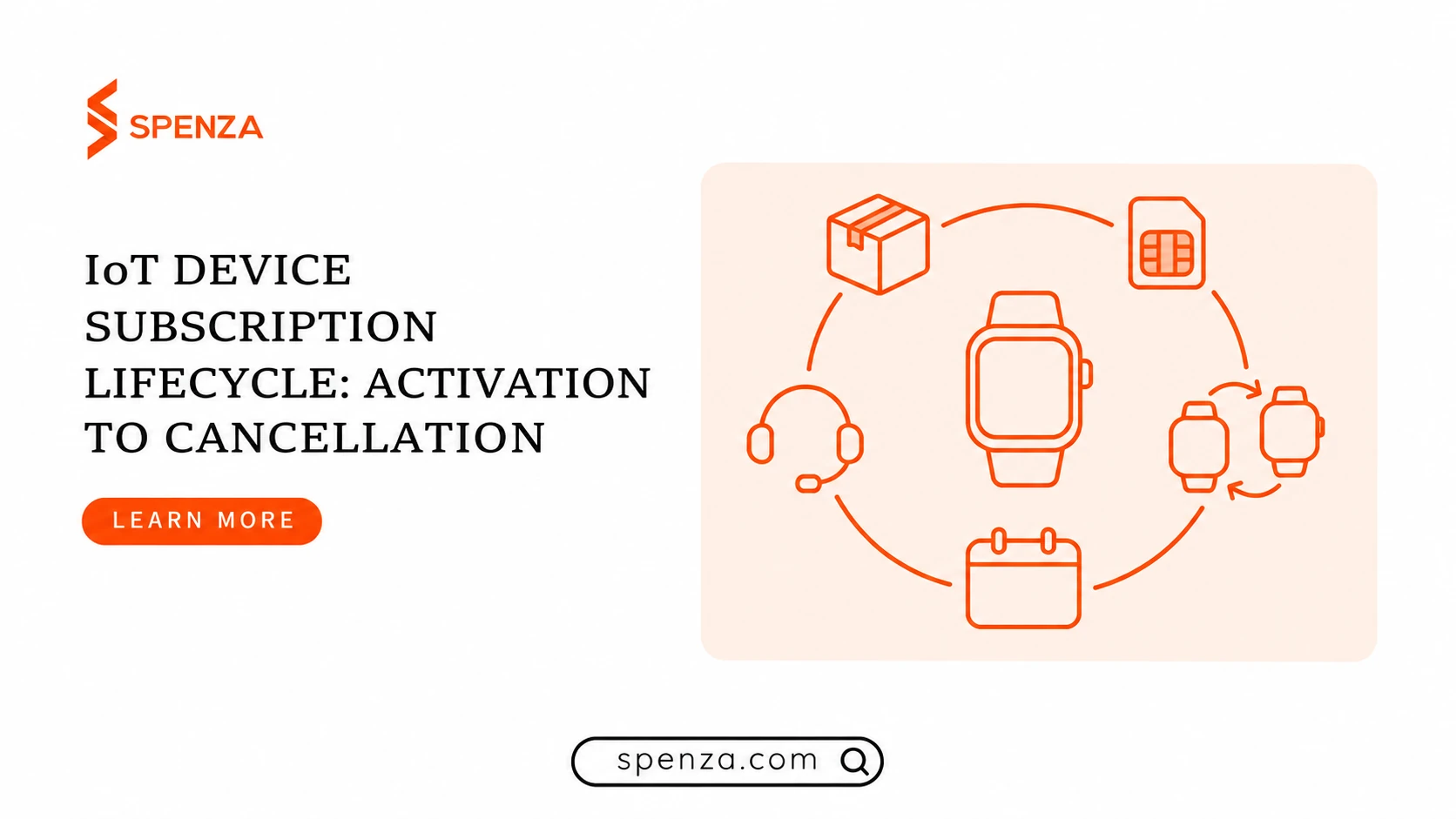

A customer buys a connected camera, activates its plan and expects it to work. Months later, the camera fails and a replacement arrives. The customer should keep the service they paid for, while your team retires the old connection and checks that it stops generating charges.
That handoff involves several records: a purchase, a subscription, a device, a SIM or eSIM profile, and a supplier service. Managing an IoT device subscription means keeping those records consistent through activation, payment recovery, replacement, renewal and cancellation. Your retail bill charges the customer for the offer; the supplier bill charges your business for connectivity. Their dates and status can differ.
- 1. Purchase / entitlement
Confirm the order and current right to service. - 2. Provision
Verify the supplier completed the requested operation. - 3. Application test
Check that the intended device function works. - 4. Active service
Keep device, service and customer records linked. - 5. Replace / renew / recover
Apply the agreed exception policy and recheck service. - 6. Cancel
Record the customer-facing effective end date. - 7. Confirm supplier action
Retain service-transition confirmation and effective time. - 8. Reconcile invoice
Compare final charges and approved credits; assign exceptions.
Follow the numbered checkpoints. Replacement and payment recovery return to active service only after the required checks; cancellation continues through supplier confirmation and financial reconciliation.
Keep the customer, subscription and connection separately identifiable
Use a durable customer account and subscription record even when the physical device changes. Link them to the order, hardware serial number, supplier service identifier, and the relevant SIM or eSIM identifiers. Retain the old relationships and their effective dates instead of overwriting history.
A support agent should be able to answer a concrete question: which device and connection served this customer on the date of a disputed invoice? A record containing only the customer’s latest device cannot explain an earlier charge.
Keep each identifier’s meaning intact. A hardware serial number identifies your product; a SIM or profile identifier belongs to the connectivity record; a billing subscription identifies the commercial agreement. Map each identifier to the fields your providers expose.
The Partner API introduction documents access to SIM/eSIM, plan, assignment and invoice data, together with asynchronous transaction status. Confirm support for each required operation in your target carrier, device and country combination.
Define completion before automating a transition
Write the operating rules first, including who resolves exceptions. Use these suggested owners and closing conditions as a starting point; confirm the supplier’s actual process.
| State or change | Suggested accountable owner | Evidence needed before closing the task |
|---|---|---|
| Paid, awaiting activation | Commerce operations | Correct customer, plan and device mapping; payment and entitlement checked |
| Provisioning requested | Connectivity operations | Supplier confirms successful completion of the requested operation |
| Ready for customer use | Device support | Intended device completes the required application-level connectivity test |
| Payment recovery | Billing operations | Current invoice and subscription checked; approved service policy applied |
| Replacement in progress | Device support | New device works; old connection is handled under the agreed overlap policy |
| Renewal or plan change | Billing operations | Customer terms, effective date and supplier changes reconcile |
| Cancellation requested | Customer operations | Service end date communicated and supplier action confirmed |
| Closed | Billing operations | Final charges and any approved credits reconciled |
One team can own several rows. For each transition, name both the owner and the authoritative record: commerce for the order, the payment processor for the invoice, the supplier for provisioning, and the device/application test for readiness. A dashboard joining those records should preserve their separate states.
If the customer has paid but provisioning remains pending, have the owner inspect the existing transaction. If the supplier completes the operation but the application test fails, keep the readiness task open and investigate the device and network path.
Verify activation on the actual device
An accepted provisioning request does not prove that a wearable can send its required message or that a POS terminal can complete a transaction. Treat supplier completion and device readiness as separate checks.
For a camera, the acceptance test might require an event notification and a representative upload. For a tracker, it could be a location update visible in the customer application. For a POS product, define an appropriate test with its payment and device providers. Use the workload promised to the customer, not merely a network indicator.
The API’s core concepts describe asynchronous operations. Retain the transaction ID and inspect its status: PENDING, PROCESSING and SCHEDULED do not confirm completion; FAILED needs failure handling; COMPLETED requires checking the documented result before the device test. The status endpoint can return HTTP 200 for a failed operation, so check the operation status inside the response.
Keep the asynchronous operation’s transactionId separate from financial transaction IDs. Spenza’s core concepts distinguish the operation-status handle from the account’s charge/refund ledger. Store both with their authoritative source, related order and timestamps. A provisioning retry must not be mistaken for a new payment event.
A timeout can leave the outcome unknown. Assign an owner and a next-check time, then reconcile the existing operation before retrying or creating another connection. Follow the provider’s documented idempotency rules, which govern whether a repeated request returns the original operation or creates new work.
Also decide when the retail service period begins. If a customer pays before connectivity works, record the delay and apply the disclosed credit or refund policy. Keep that customer decision separate from the supplier’s charging start date.
Make device replacement a controlled handoff
A replacement should have its own case record, linked to the existing customer agreement. Confirm eligibility, the new device’s compatibility, and the supplier-supported provisioning or transfer process. A new device may use a supported transfer or require a new connection. Confirm that process; an eSIM profile cannot be assumed to be transferable by copying it.
Set an explicit overlap rule. Some products can tolerate a short interruption; others need the replacement verified before the old service is stopped. Decide who approves overlap, who pays for it, and how long an unresolved replacement may remain open.
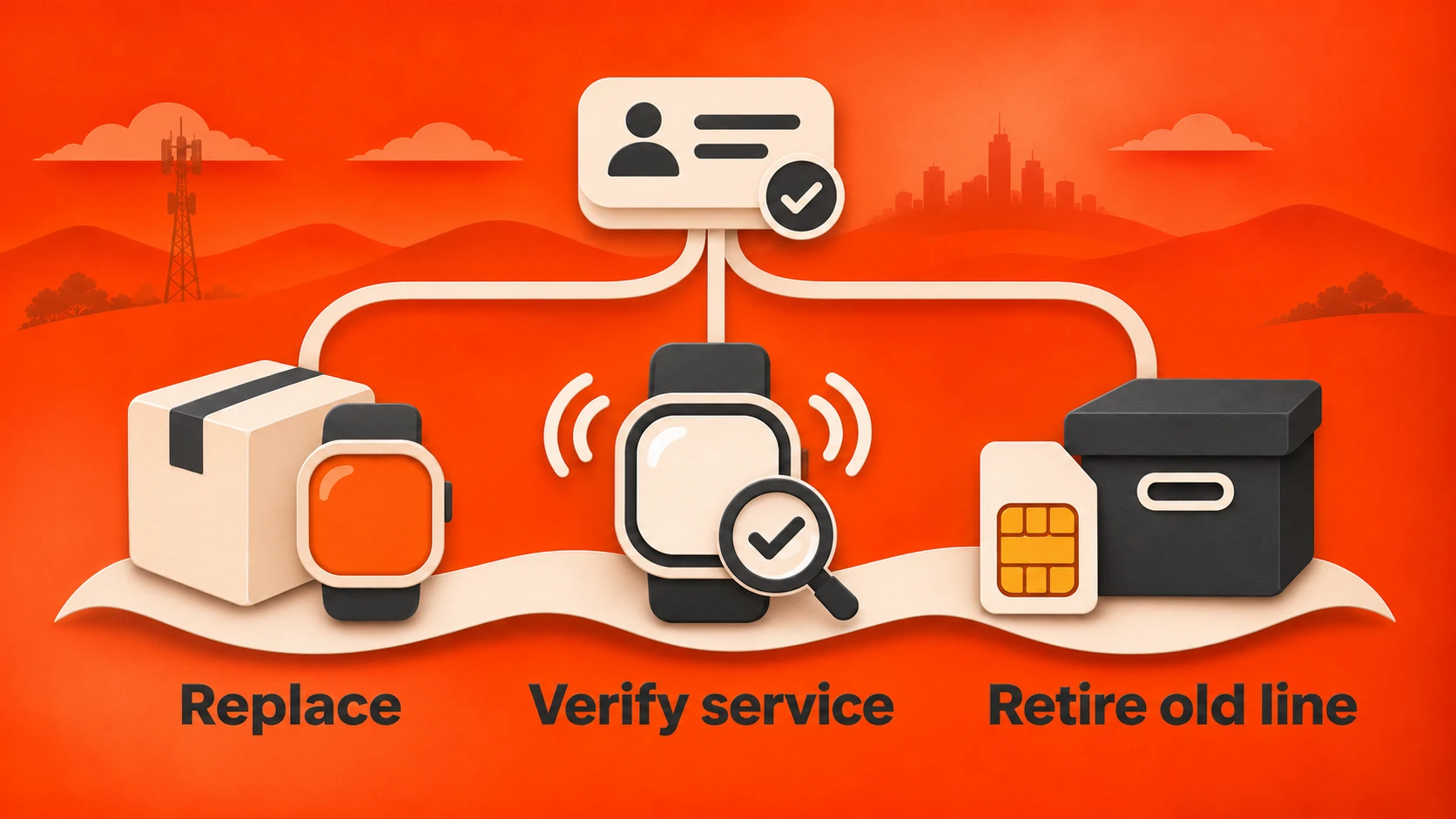
Record the old and new identifiers, the activation result, and the effective time of the handoff. Preserve the service the customer has paid for, including the remaining term and allowance. Check the agreement for any retail credit, supplier charge or replacement fee.
Close the technical case only after verifying the intended result. Leave a billing follow-up open until the next relevant supplier invoice confirms what happened to the old line. A successful replacement and a stopped recurring charge are different pieces of evidence.
Worked replacement case: one subscription, two device records
The following case is illustrative. The labels are generic operating records, not API field names or a measured customer result. Assume the customer has paid through the current term and the approved policy permits brief overlap while the replacement is tested.
| Record or checkpoint | Example entry | What closes this step |
|---|---|---|
| Customer agreement | Customer C-104, subscription S-208; paid-through date retained | Existing entitlement is verified; no second retail subscription is created |
| Old assignment | Device D-OLD linked to service L-OLD | Historical association and handoff time are retained |
| New assignment | Device D-NEW linked to service L-NEW using a supported provisioning process | Supplier confirms successful completion; device testing can begin |
| Application check | Replacement camera sends the agreed event and upload to the customer application | Result and evidence reference are recorded by device support |
| Permitted overlap | Both lines remain active only for the approved verification window | Owner records when the new device is ready and initiates old-line retirement |
| Old-line retirement | Supplier confirms the requested service retirement and effective time | Support closes the technical task; billing retains expected final charges and invoice follow-up |
| Invoice follow-up | Billing checks L-OLD on the next relevant supplier invoice | Expected final charges agree; unexpected recurring charges become a billing exception |
If the replacement fails its application test, device support keeps the case open and follows the approved continuity policy before retiring the working service. If the new device works but old-line retirement fails, connectivity operations owns that pending action and its next-check time; billing tracks the extra charges. Unexpected recurring charges after confirmed retirement go to billing with the supplier reference. None of these cases, by itself, justifies provisioning another connection. Reconcile the existing service and diagnose the failure before deciding on a supplier-supported recovery action.
Compare the old line with the supplier invoice
Copy this record into the replacement case; fill the expected charge from the supplier’s contract and effective dates before reviewing the bill.
| Reconciliation field | Entry to retain |
|---|---|
| Old service ID | Supplier service identifier, linked to the old SIM/device and replacement case |
| Retirement effective time | Confirmed date, time zone and supplier action reference |
| Expected last charge | Amount, currency, service period and contractual basis, including any final usage or fee |
| Actual supplier invoice line | Invoice ID, line reference, period, service ID and charged amount |
| Difference and explanation | Actual minus expected on a comparable tax/currency basis; known credits tracked separately |
| Exception owner | Named billing owner, supplier case reference, next action and due date |
Feed confirmed replacement and overlap costs back into the IoT connectivity bundle margin model so pricing reflects the cost of the service you actually deliver.
Give failed payments an approved recovery path
A failed collection needs a defined customer communication and service policy. Set who sends notices, how customers update payment details, which retries are permitted, and when a human reviews the case. Any grace period or suspension rule should reflect the agreement and the device’s use. Avoid an unreviewed instant-cutoff rule for safety-sensitive products.
Stripe’s retry documentation distinguishes recoverable payment failures from hard declines that need updated payment information. Retry settings do not make every payment recoverable, and a billing status does not by itself prove a SIM was suspended or restored.
When payment recovers, verify the current invoice, subscription and service state before restoring access. Stripe’s subscription event guidance describes events such as paid invoices and subscription changes. Define which current payment and subscription states permit each supplier action. A late payment-success event for a cancelled subscription must not reactivate service without checking the customer’s current agreement.
Handle repeated and out-of-order messages. Stripe documents both webhook behaviors. Track event identifiers, validate signatures, and check current records before changing service. Keep a reconciliation queue and check for missed events before the customer has to report them.
Make the reconciliation queue actionable
A queue entry needs a case ID, customer/subscription reference, expected state, observed state, authoritative source, last-checked time, owner, next action and next-check deadline. For a paid invoice with pending provisioning, those fields should point to the existing supplier transaction and its escalation, not just say “activation failed.”
Close the exception when the relevant source records and required device evidence match the approved outcome. If a supplier action is complete but invoice confirmation is still due, move that work to a dated financial follow-up instead of marking everything unresolved or everything complete.
Reconcile renewals, plan changes and credits
Before a renewal or plan change, verify the current service, agreed allowance, renewal date and any promised notice. Preview the customer’s next charge and the supplier’s effective date. A retail monthly anniversary may differ from the supplier’s billing cycle.
Credits need the same care as charges. Stripe’s proration documentation explains that plan changes can create prorations and that a negative proration is not automatically a refund. It also calls out the implications of unpaid invoices. Review the proposed adjustment against what the customer has paid and the terms you offered.
For an annual subscription, preserve the remaining service entitlement through a replacement or supported plan change. If the product no longer supports the customer’s device or market, route the case through the agreed migration, credit or cancellation process. Confirm the revised service terms with the customer.
Close cancellation through the last supplier bill
Distinguish a cancellation request, the customer-facing end date, the supplier’s service transition, and the final financial reconciliation. Give the customer a clear confirmation of what stops and when.
An offline device is not sufficient evidence that charges have ended. As a provider-specific example, Soracom’s subscriber-status documentation distinguishes subscription status from online or offline session status; charging and reactivation conditions depend on the plan. Check the corresponding rules in your own supplier agreement.
Confirm the customer-facing service end once the effective date and supplier action are established. The customer need not wait for the next supplier invoice to receive that confirmation. Keep a separate financial task open for final usage, charges and approved credits. Retain the request and supplier response so an unexpected charge can be investigated without reconstructing the entire history.
Test the exceptions before the next shipment
Test with controlled accounts and an agreed operating plan. The Partner API getting-started documentation, checked November 13, 2026, describes a single production base URL and no sandbox. Agree safe test procedures with Spenza before calling production endpoints. Retain order, asynchronous operation and financial transaction IDs separately.
Run this checklist against a representative device, plan and market before expanding the offer:
- A payment succeeds but provisioning remains pending. Confirm escalation and customer communication.
- An activation request times out. Reconcile the original operation, then verify that a documented retry creates no duplicate service.
- A device is replaced. Verify the new device, permitted overlap and old-line billing closure.
- A renewal payment fails and later succeeds. Check notices, approved service treatment and recovery.
- A duplicate or delayed payment event arrives after cancellation. Verify that processing preserves the current agreement and creates no second connection.
- A plan changes while an invoice is unpaid. Review entitlement, credits and the next charge.
- A customer cancels before renewal. Check the effective date and final supplier invoice.
Map your IoT subscription lifecycle with the Spenza IoT team. Bring your device types, countries, supplier rules and exception checklist. Review the documented SIM/eSIM provisioning, plan management, assignment, invoice retrieval and operation-status capabilities against that workflow. Confirm availability by device, market and supplier, including the supported replacement and cancellation process, before launch.
FAQs
Prepared by Spenza, a connectivity management and telecom platform provider. Contact the Spenza team for product-scope questions.